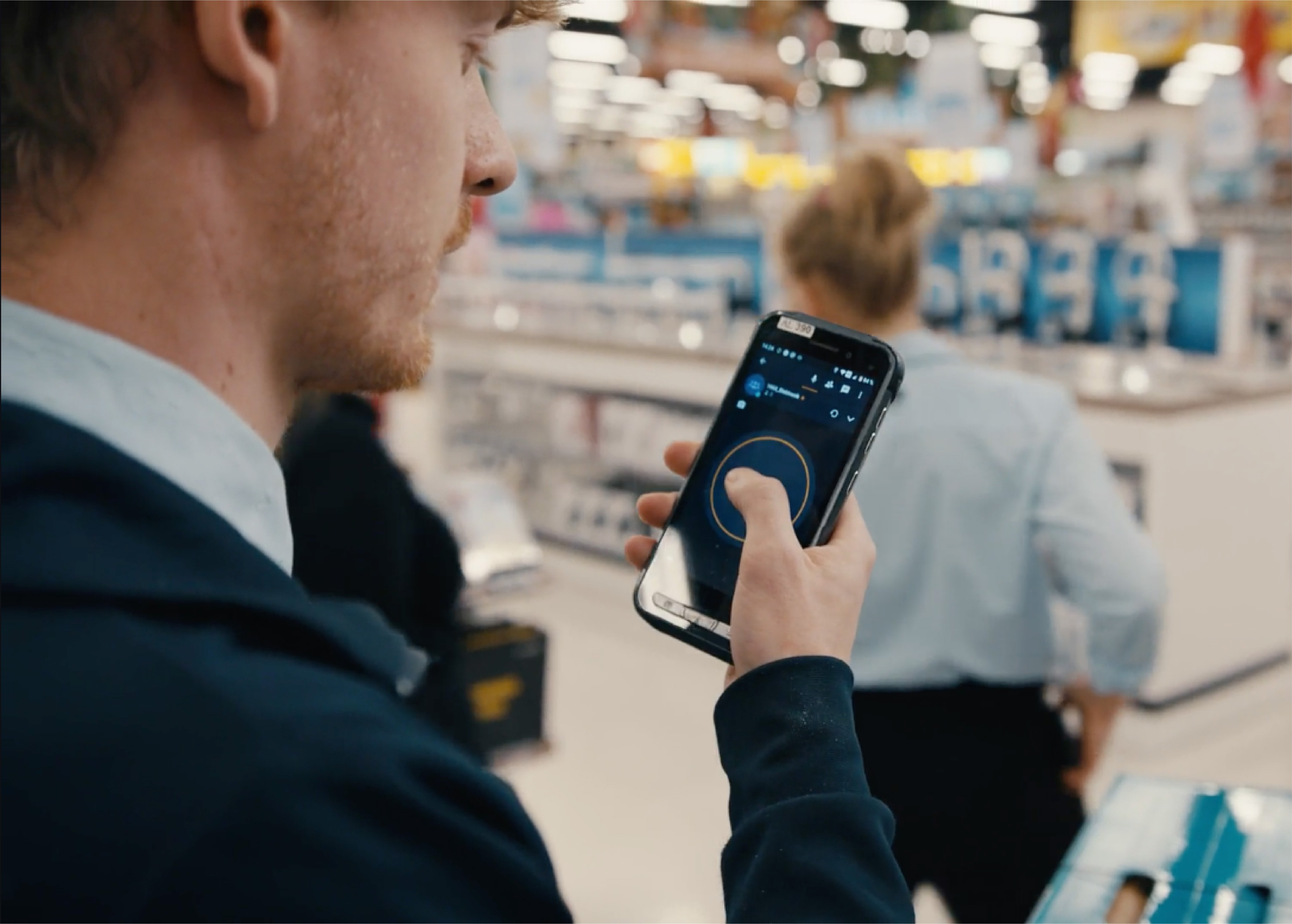



NYT says “the same sense of wonder”

By Bill Moore on September 6, 2012

Today’s New York Times has a nice review of Zello from David Pogue…

ZELLO WALKIE TALKIE This free app works on iPhone, Android, BlackBerry and Windows, which makes it far more useful than, for example, iPhone-only apps. The design is beautiful, simple and uncluttered — there aren’t even ads.

Like most of the best apps, Zello lets you create groups so that you can carry on something like a party-line phone call among a handful — or hundreds — of friends or collaborators. The company suggests, for example, that you can set up a Zello “room” for your company’s customers when they have questions.

What’s wild is that Zello comes prestocked with such channels from India, London, Toronto, Washington and so on. You sit there, jaw agape, and listen to people, in real time, from all over the world. You feel the same sense of wonder you felt when you were little and your dad took you down to his basement to listen to a ham radio.

St. Peter

By Bill Moore on September 6, 2012

On our St. Petersburg  Skype call yesterday it looked like Mike, then Eugene, then Alex  were  headed well beyond Zello.  But then we learned it was only their sunset.

.

Share your favorite zello messages

By Bill Moore on July 20, 2012

Yesterday’s iPhone and Android Zello update makes it easy to share your Zello voice messages.

From message History, click Edit, select the messages, then click Share. You can share them with an email, sms, tweet or on Facebook.

Shared messages are on a page available for any mobile or desktop browser like this example.

Zello interview on Austin TV News KXAN

By Bill Moore on June 20, 2012

iPhone app version 1.4

By Bill Moore on June 18, 2012

Today’s Zello iPhone 1.4 update has a few improvements:

  • Streamlined navigation and improved UI
  • Improved VoiceOver support
  • Stability improvements and bugfixes
  • Partial support of the  headset button to toggle talk
  • Alerts have clickable links
  • Bulgarian translation (contributed by Андреан Джамбазов)
  • Italian translation (contributed by Danilo Bestagno)
  • Polish translation (contributed by Paweł Masarczyk)
  • Hebrew translation (contributed by שי)
As always tell us what you don’t like through support@zello.com then tell everyone else what you like with app store reviews.

Making your channel inviting

By Jim Pickering on June 1, 2012

Your channel is a big hit, crowds of people are joining.

In my last post I gave some examples of how to use channels.  So now that you have created your own really cool channel, how do you let your friends know about it? What do you do about those users that live to disrupt your wonderful new creation? The new release has some new features to help.

Invite your friends

In 1.3 we added the ability to invite your friends to join a channel.  Could be your channel, or some other channel you’ve found.  You can invite your friends either when you create a channel or anytime you are on the talk screen of a channel.

After you create the channel you will be presented with a list of your contacts.  You can only invite people you have added to your contacts list.  If your list is empty or small, then you need add more contacts, so tell your friends to join Zello!   You can invite your friends to join Zello by pressing the ‘+’ button on the ‘Contacts’ tab.


Select the ones that you would like to invite.   You can also access the ‘Invite Friends’ feature by selecting the ‘menu’ button on the talk screen of a channel.


Your friends will receive the invitation in the new ‘Channels’ tab.  It will display the name of the channel and who sent the invitation.  You can accept or decline the invitation.  If you accept, the channel will be added to your Channels list.


What happens if the channel that you were invited to is password protected, do you have to contact the person that invited your and get the password?  No,  Zello handles all those details for you, you don’t need to know the password, all you have to do is accept the invitation.

Channel happiness

Your channel is up and you have invited your friends.  The channel is a big hit, people are joining your channel in droves.  But now you are noticing a few users that just seem to be irritating everyone else, what do you do?  Since you are the owner of the channel you have the option of blocking people that are disrupting the fun.  You can’t be on your channel 24×7, now what?  Zello 1.3 allows you to assign some of your friends to help.  Now you can delegate some of your authority.

Choose  your channel from the ‘Channels’ tab, this will put you on the Talk Screen. Press the ‘Menu’ button and select the ‘Channel Details’ button from the talk screen.  If you are the Channel Administrator you will see the word ‘Administrator’  in the header.  You will also see an ‘Edit’ button on the right hand side of the navigation bar.


When you press the ‘Edit’ button you will see the menu containing  ”Channel details”, “Moderators” and “Blocked users” buttons.  Press the “Moderators” button.  Choose the contacts that will help you moderate your channel.


Now your moderators can help you make your channel  stay on topic with less disruptions.

User ‘rangerdog’ is pressing the talk button over and over, saying really odd things, and is just being plain annoying. Your new moderator can take control when your not online to help.  Selecting ‘rangerdog’ from the list of users will bring up an option screen, select ‘Block user’ to block this poor lost soul.


Everyone is happy to see ‘rangerdog’ is no longer allowed to participate in the channel.


If ‘rangerdog’ ever comes to his/her senses, you have the option of unblocking him/her.


 Keep it fun

We want everyone to have fun and enjoy the channels, keep the feedback coming so we can continue to improve our social radio.

 Photo credit: Jim Pickering

Zello network upgrade tonight

By Alexey Gavrilov on May 30, 2012

In effort to keep up with the growth, improve Zello service stability and speed we’ll perform a planned upgrade of our infrastructure tonight. We’ll start at 4am Central Time and finish by 6am on May 31, 2012.

Since last major outage we’ve been busy adding new servers and re-writing server side code to support millions of online users. Now this work is completed and we’ll need to take the network down briefly to replace currently running server code with the new release.

As we are deploying the update the service might be unavailable or slow. Follow us on Twitter to get real-time updates on our progress and service availability alerts.

Zello@Work uses separate infrastructure so won’t be affected.

Photo credit: torkildr

Channels, what is everyone talking about?

By Jim Pickering on May 29, 2012

Zello is a great Walkie-Talkie app, but it is so much more.    Channels are a really cool way to link a lot of people together.  There are a number of ways to use them, here are a few examples.

Coordinate

Let’s say you are the band director for a High School and you have a big competition coming up.  Out on the field you have other directors and volunteers helping to coordinate the madness.  Everyone is split up, 100 yards from one end to the other.  What do you do?  Yes, you have a mobile phone,  call them… all 20 of them….one, by one… That’s not going to work, the bands performance will be over by the time all of you talk.

I know, you could buy 20 walkie-talkies and hand them out to everyone.  You need to make sure they all have full batteries, all are on the same frequency, pass them out, collect them when the performance is over.  It’s another device to carry around, and who are these random people that keep talking on this channel?

This is where the channel feature of Zello really shines. Everyone downloads Zello to  their smartphone, then one of you can create a channel, let’s say “HS Band 2012″, or whatever catchy name you can come up with.  Make it password protected so only you and your team can use it.

Everyone can now add the new channel to their contact list.  Select your new channel, press the talk button and everyone can hear you.  Oh, and it’s free.

Sharing

Channels can also be used to create social groups to share information on common interests.  Create a group called “Best Restaurants in  ->Austin<-” (insert your city ->here<- )  People love to share their dining experiences.

There are thousands of channels on Zello right now, join the fun.

Social Radio

You can also use a channel like a podcast.  When you create the channel, select “Listen Only”.  This will allow you to talk and talk…and talk, others can listen to you but can’t interrupt you.

It’s like having your own radio station.

Coming up

Stay tuned, we are adding new tools to help share and manage your channels. Look for our next post that will describe these cool new features.


Tex/Alerts for Zello Blackberry Live

By Bill Moore on May 8, 2012

Get Zello for Blackberry version 1.23 from Appworld.

This version supports  Zello Alerts.  You can pester someone with an Alert until they answer,  include a link or a little text if you like.

Thanks to Paweł Masarczyk this version adds Polish language support.  Contact translate@zello.com to add or improve your language.

As always, please rate and review Zello in the store and send  feedback to support@zello.com.

Text/Alerts for Zello Android Live

By Bill Moore on May 8, 2012

Get today’s Zello for Android update, version 1.27

You’ll find Alerts, similar to Nextel with an optional text message.

Plus new Polish and Hebrew localization

If you like the app, please rate and review in Google Play.  Please share your suggestions or problems with support@zello.com

« Previous Entries Next Entries »